A VTuber on your
Chromebook.
Most VTuber apps need Windows or a Mac. RupaVox runs right in Chrome, so your Chromebook’s camera can move a 3D character — for videos, school projects, calls and streams.
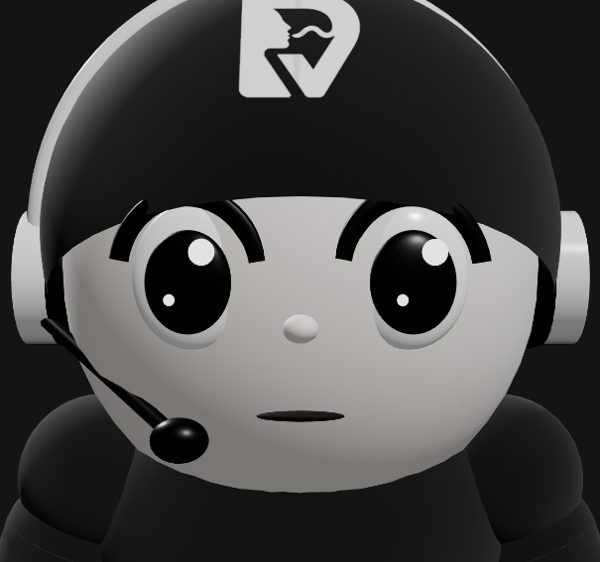
What you can do on a Chromebook
Everything runs inside Chrome. Nothing to install from the Play Store.
Your Chromebook camera moves the head, face, arms and hands of your character.
Record your character talking and save the video — ready for YouTube, TikTok or a class project.
Open the Live window and use Share screen → A tab in Meet to show your character.
A 2D picture that talks with your voice. The lightest mode for older Chromebooks.
Pick one in the Store, or load your own VRM model.
Tracking runs on your Chromebook. Your camera video is never uploaded.
Start in 4 steps
- Open the Studio in Chrome
Go to rupavox.com/studio and allow the camera.
- Pick a character
Choose a free one from the Store, or switch to 2D for a PNGTuber.
- Turn on tracking
Go to Tracking → Enable Webcam Tracking and Lip Sync for your microphone.
- Record or present
Switch the view to Studio and press Record Video to save a video, or open the Live window and share that tab in Google Meet.
Questions
Does RupaVox work on a Chromebook?
Yes. It runs in the Chrome browser, so it works on most Chromebooks with a camera.
Do I need the Play Store or Linux?
No. Just open the website in Chrome. Linux is only needed if you want to live stream with OBS.
Will it run on an older Chromebook?
Usually yes. Pick 30 fps in Settings, close other tabs, or use PNGTuber mode, which needs no camera tracking.
Can I use it at school?
If your school allows the website and camera access, yes. Some school-managed Chromebooks block camera access for websites.
Is my camera video uploaded?
No. Tracking runs inside Chrome on your Chromebook. No video leaves your device.
Ready when you are.
Free, in your browser. Nothing to install for RupaVox.