Free stream screens.
Room for your VTuber.
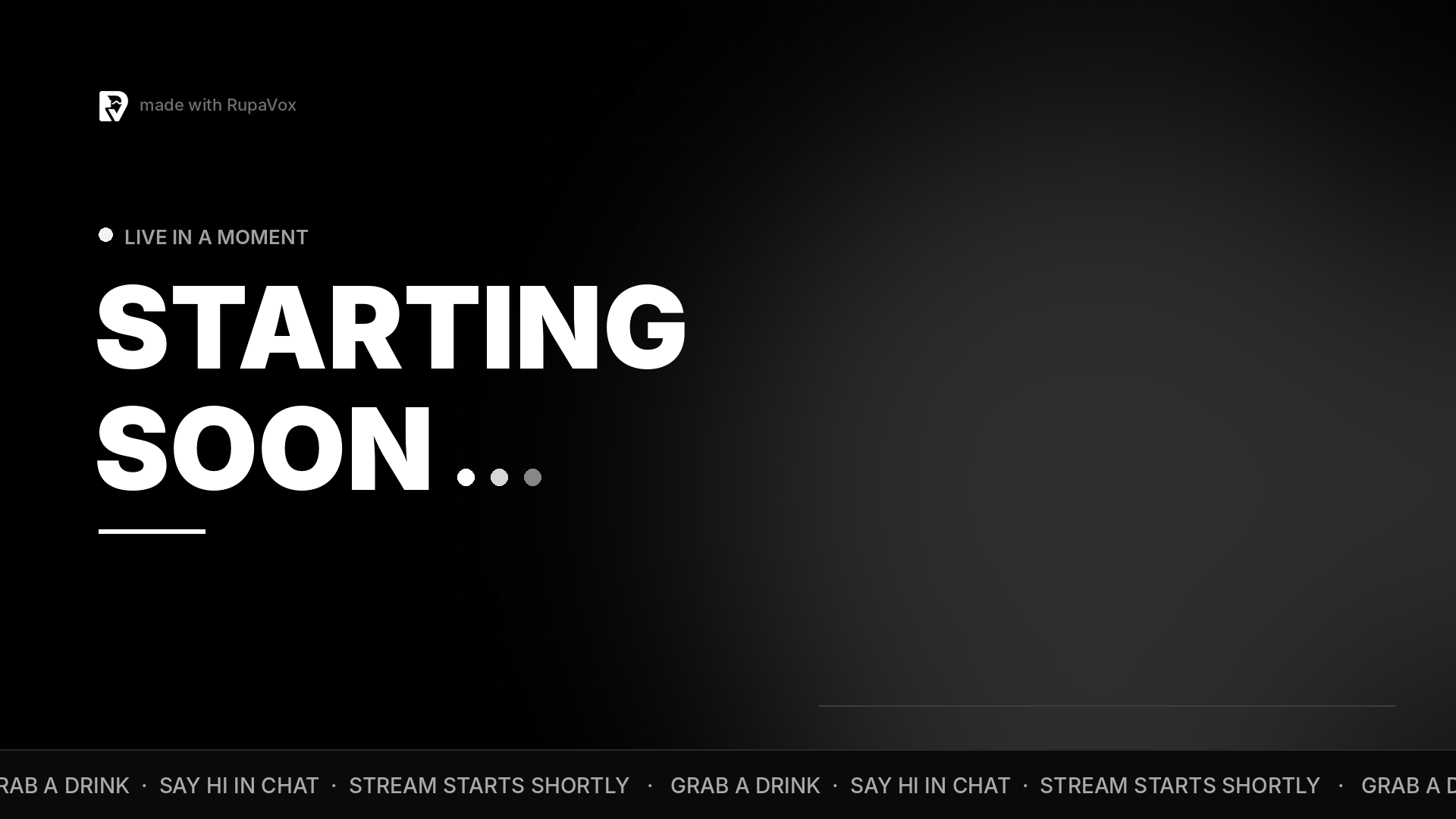
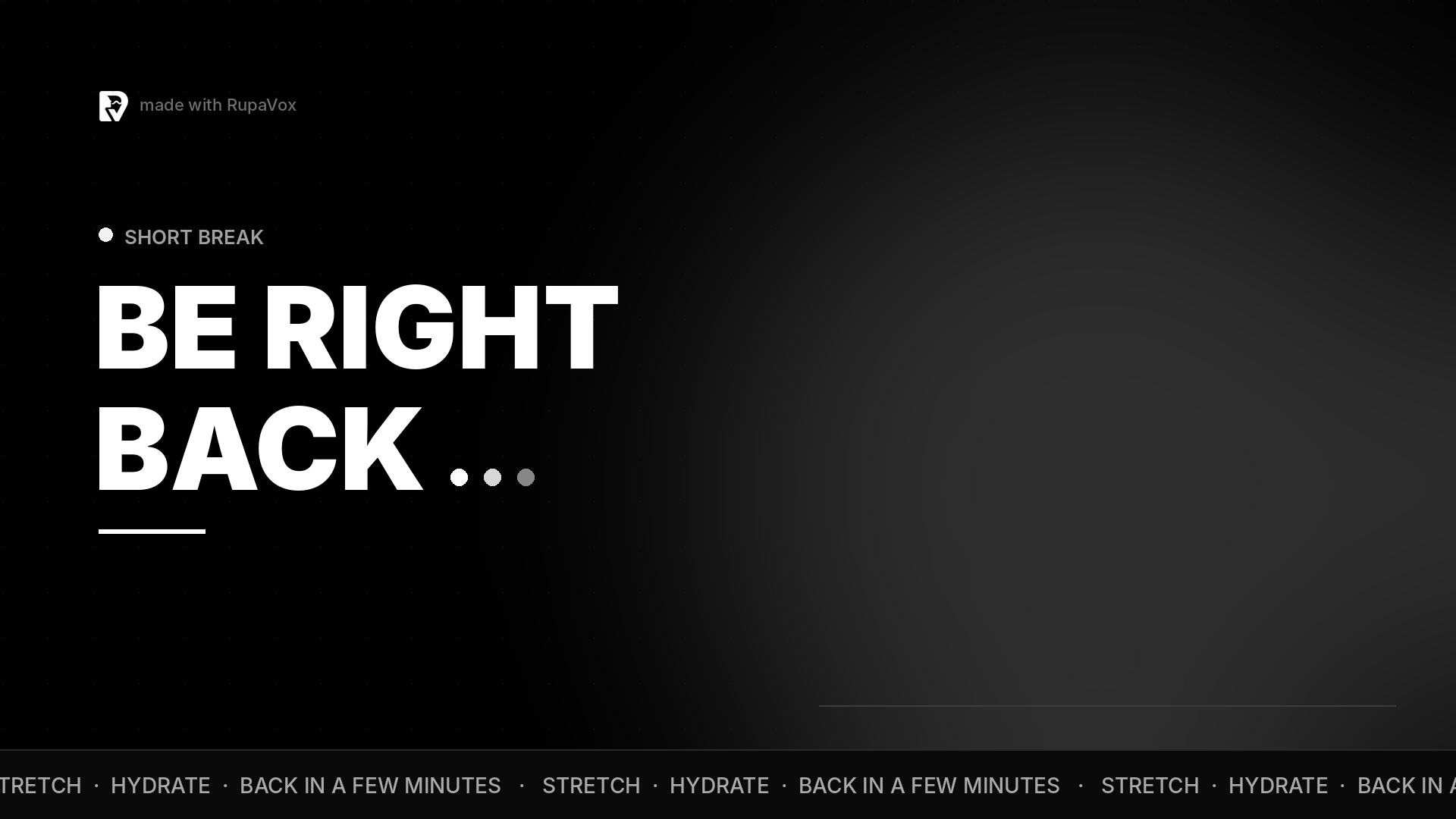
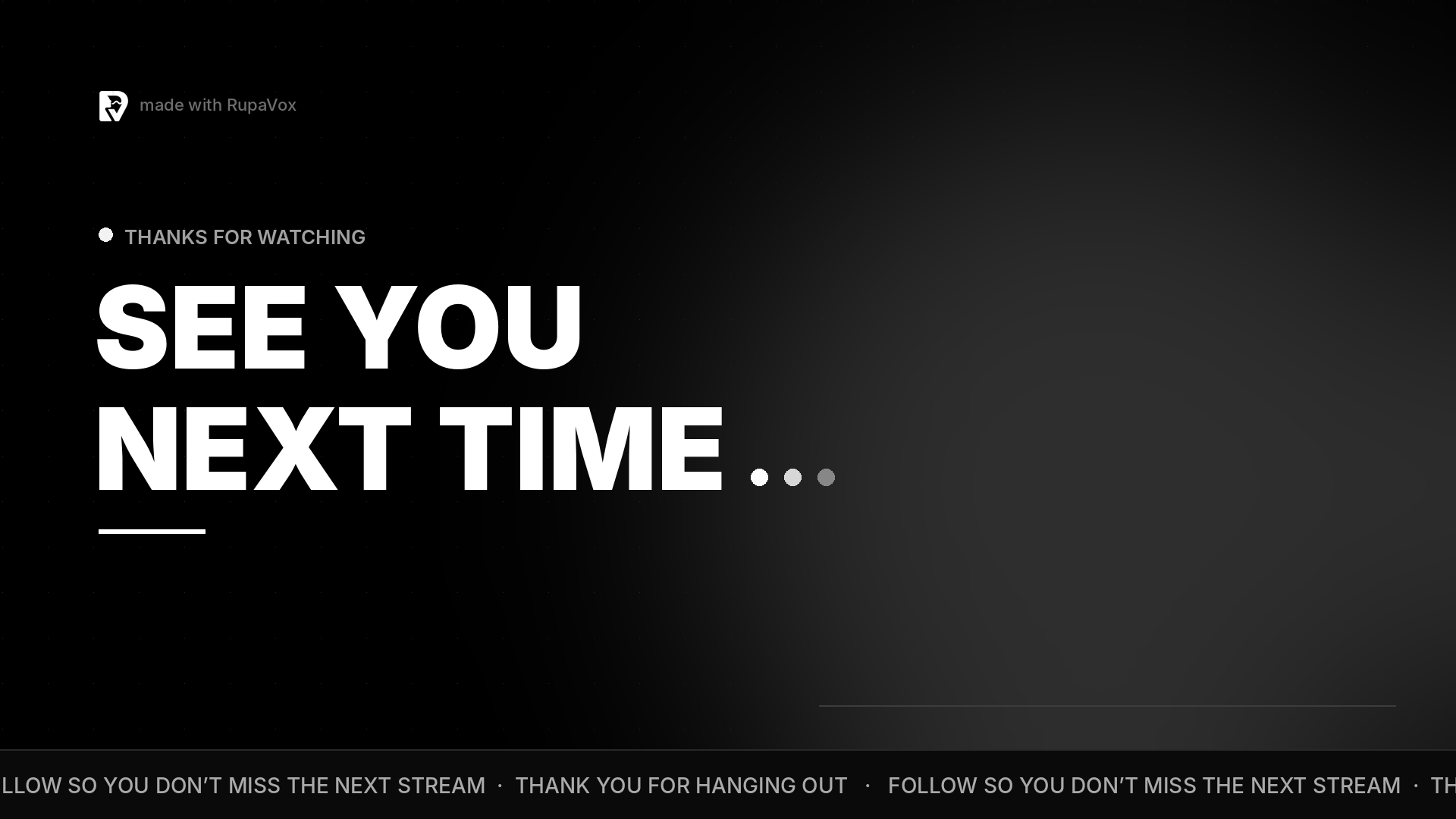
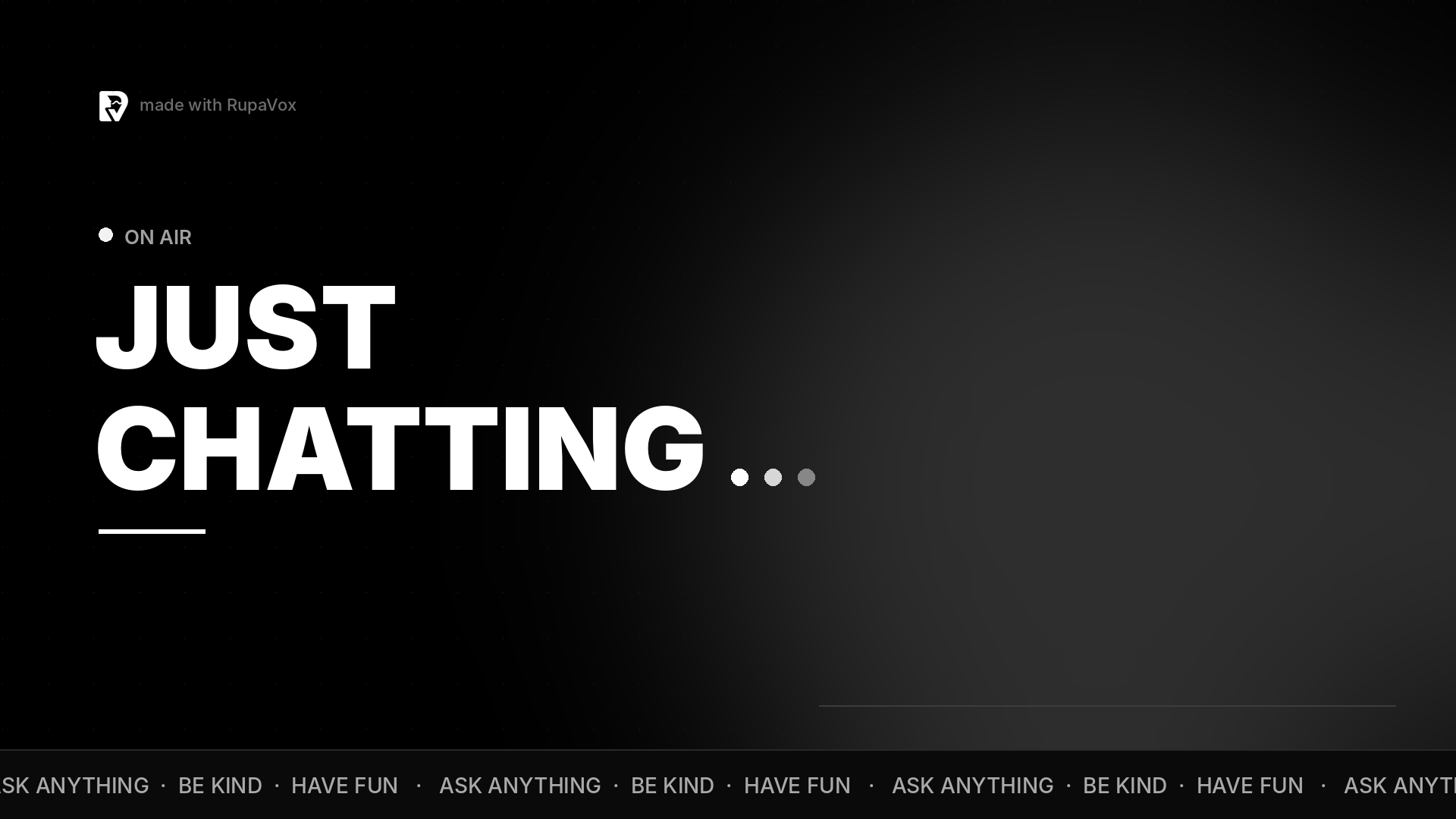
Starting Soon, Be Right Back, Stream Ending and Just Chatting — clean black-and-white screens in 1080p. The right side is left open so your character can stand there and talk to chat.
Download the screens
Each one comes as a 10-second seamless loop (MP4) and a still image (PNG). Download all (ZIP, 4 MB)
Add them to OBS with your character
- Add the screen
In OBS make a scene (e.g. “Starting Soon”), then Sources → + → Media Source, choose the MP4 and tick Loop. For the still version use Image instead.
- Add your character on top
In RupaVox Studio press Go Live → Copy link and add a Browser Source above the screen. Set Stage → Background → Transparent.
- Place it on the right
Drag your character into the open space on the right, standing on the thin floor line.
- Repeat for each scene
Copy the Browser Source into your BRB, Ending and Just Chatting scenes (right-click → Copy, then Paste (Reference)).
Questions
Are these stream screens free?
Yes. Use them on Twitch, YouTube, Kick, TikTok or anywhere else, including monetised streams.
What size are they?
1920 × 1080 (1080p), the standard OBS canvas. They scale down cleanly to 720p.
Do the videos loop smoothly?
Yes. Each MP4 is a 10-second seamless loop — tick Loop in the OBS Media Source.
Can I use them without RupaVox?
Yes. They work as normal OBS backgrounds. The open space on the right is perfect for any VTuber or webcam.
Can I change the text?
The text is part of the image. Add your own OBS Text source on top if you want extra words like your schedule.
Ready when you are.
Free, in your browser. Nothing to install for RupaVox.